
PAYDAY 2 VR: Setup, PC Requirements, and Crash Fixes
Play PAYDAY 2 VR with the free DLC and SteamVR. Learn how to get started, check PC requirements, and troubleshoot crashes before a heist with friends.
Jump to
Can You Play the Full Game in VR?
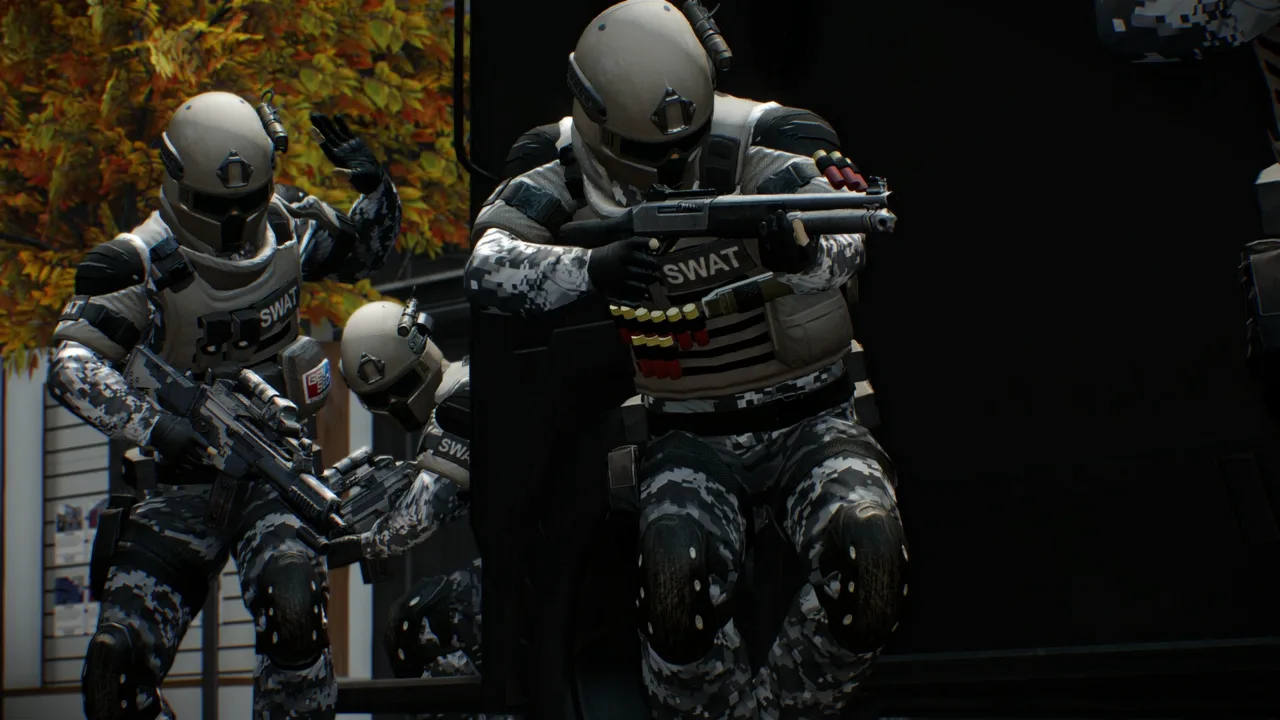
PAYDAY 2 VR brings the game's four-player heists into a headset through a free VR DLC download. You need the base game, a Windows PC, and SteamVR to play. For existing owners, that means you can step into VR without buying a separate version of the game.
The appeal goes beyond a shooting range or a short bank robbery demo. You get the heist structure built around CRIMENET contracts, character builds, weapon customization, and the choice between stealth and loud approaches. Bow-and-arrow use is the exception to the otherwise broad gameplay support.
Here are the essentials before you install:
| Feature | What you need or get |
|---|---|
| PC platform | Windows |
| VR access | Free VR DLC; base game required |
| VR runtime | SteamVR |
| Controls | Tracked controller support |
| Play area | Standing or room scale |
| Online co-op | Up to four players |
How to Set Up the VR Mode
Start with the PAYDAY 2 base game on Steam, then add the free VR DLC. Installing the base game alone does not complete the VR setup.
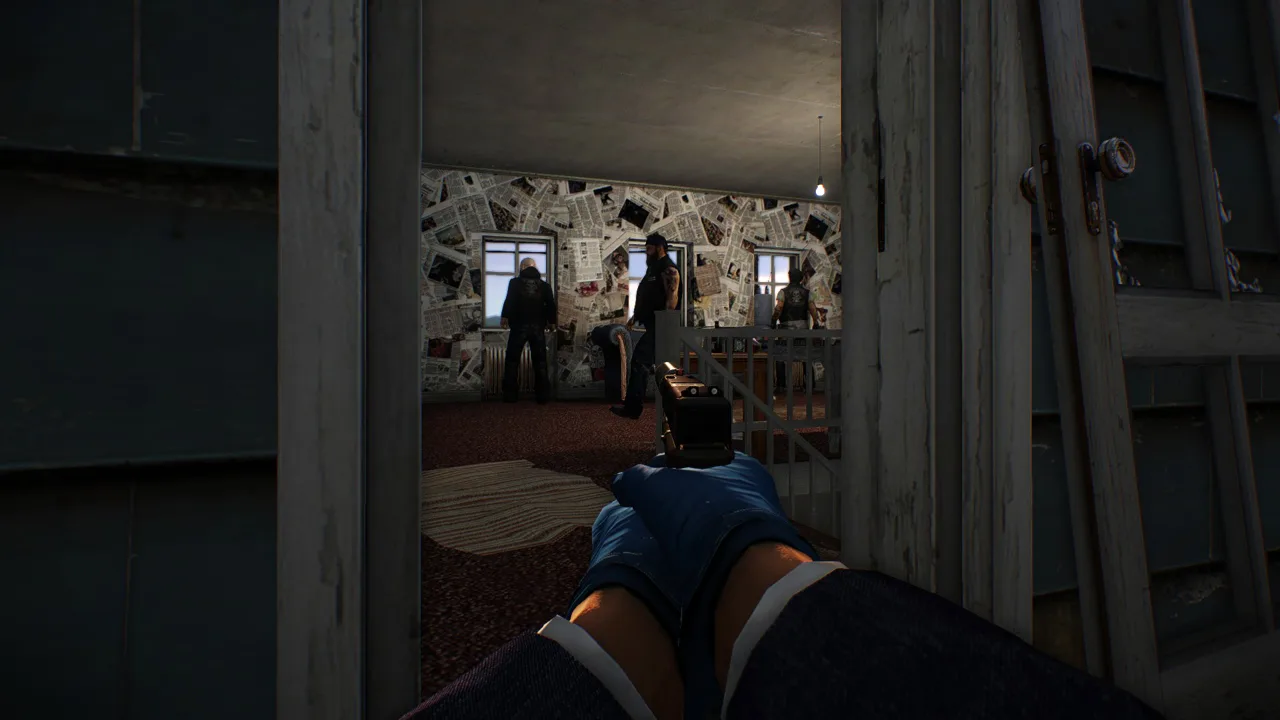 Image: Steam / OVERKILL - a Starbreeze Studio.
Use this checklist:
- Install the base game and the VR DLC.
- Set up your headset and tracked controllers for SteamVR.
- Prepare a standing or room-scale play area.
- Launch the game in VR through your SteamVR setup.
HTC Vive and Oculus Rift are supported headset options. The VR mode uses tracked controllers, so plan around those controls rather than keyboard-and-mouse input.
Keep paid content separate from VR access when shopping. The free download adds VR support; it does not turn every paid heist or weapon pack into included content.
PC Requirements Before You Put on the Headset
The game's PC requirements specify a 64-bit processor and operating system, DirectX 11, and 32 GB of available storage. The minimum CPU also needs the SSE4.1 instruction set.
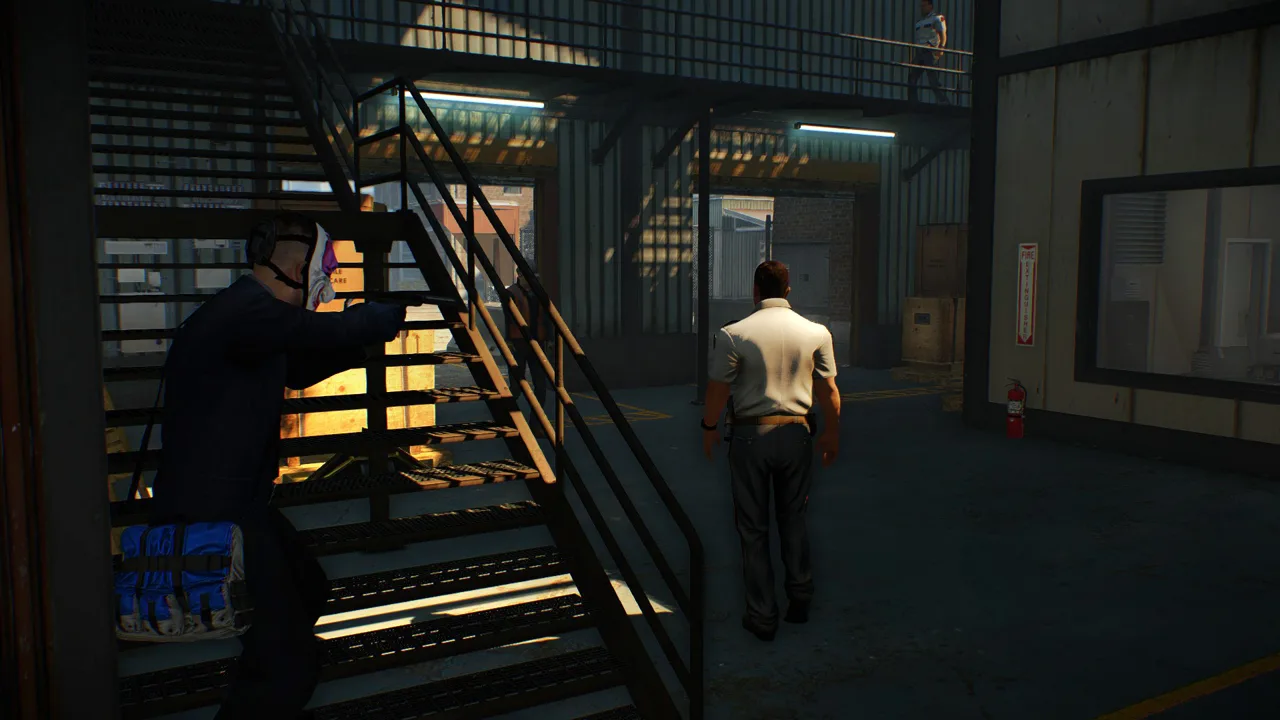 Image: Steam / OVERKILL - a Starbreeze Studio.
The listed minimum configuration is:
- Operating system: Windows 10
- Processor: 2 GHz Intel Dual Core 64-bit Processor
- Memory: 4 GB RAM
- Graphics: NVIDIA or AMD graphics with 1GB VRAM
The recommended configuration moves to:
- Operating system: Windows 11
- Processor: 2.3 GHz Intel Quad Core 64-bit Processor
- Memory: 8 GB RAM
- Graphics: NVIDIA or AMD graphics with 2GB VRAM
These are the game's general PC requirements, not a headset-specific performance target. Check your headset's requirements alongside them when deciding whether your PC is ready.
Heists, Builds, and Audio Settings
VR retains the core choices that shape a job: which contract to take, what equipment to bring, and whether to stay quiet or commit to a firefight. CRIMENET spans smaller robberies through major bank jobs, while randomized scenario elements give repeat runs different situations to handle.
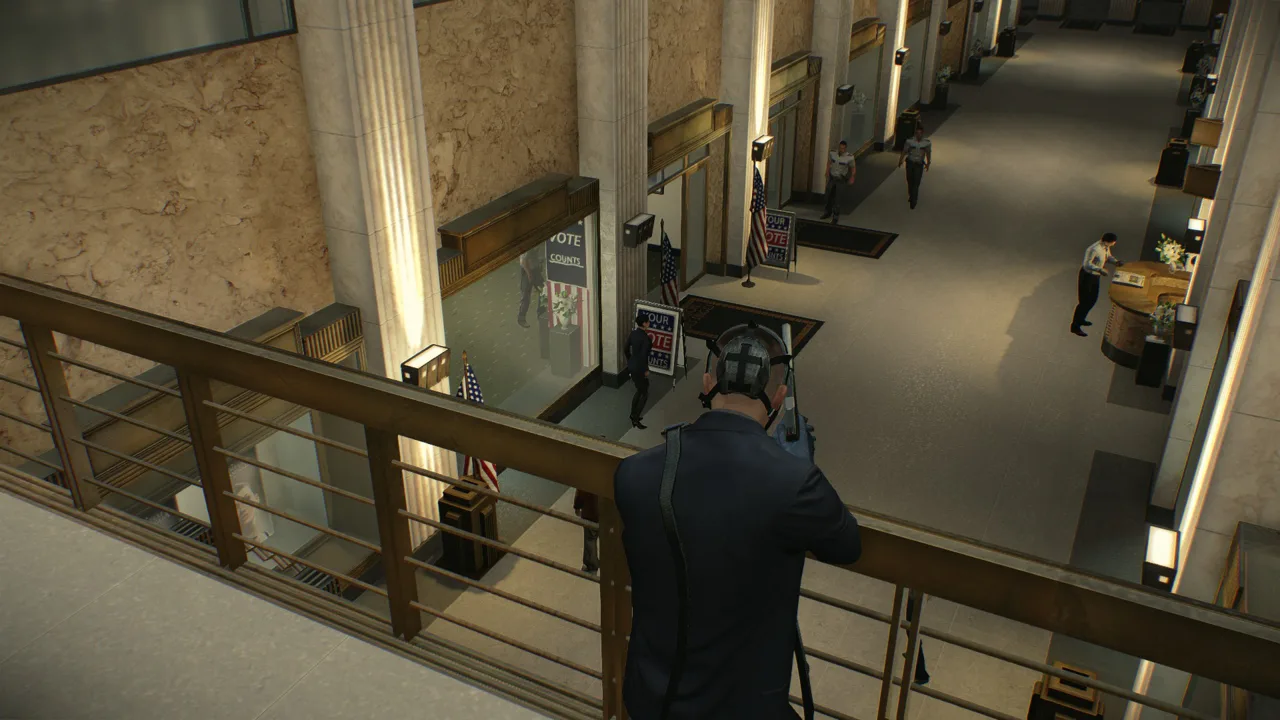 Image: Steam / OVERKILL - a Starbreeze Studio.
Character customization draws from five skill trees: Mastermind, Enforcer, Ghost, Technician, and Fugitive. Weapons support modifications such as optics, suppressors, barrels, and stocks, with functional changes affecting performance.
Coordinate equipment with your crew before choosing a contract. The game supports up to four players online, and crew composition matters when a job calls for different skills.
For communication, adjust Music, SFX, and Voice Chat separately. Update 248 also added an output audio device option. Select your headset's audio device and balance voice chat against the action before joining a session.
Fixing Crashes, Mod Problems, and Disconnects
Several updates address problems relevant to headset play:
- Update 242, December 18, 2025: Fixed a parallax-shader issue that could trigger a GPU driver crash, reducing a cause of VR crashes.
- Update 248: Fixed a crash involving lootbags in VR.
- Update 249, November 18, 2026: Added a crash-handler Safe Mode button and the
--safemodelaunch argument to start without loading mods.
If crashes begin after an update, launch in Safe Mode or remove installed mods, then try again. Even a mod unrelated to the action that triggered a crash can cause compatibility problems.
If the game still fails without mods, right-click PAYDAY 2 in your Steam library, open Properties, and use the game-file integrity verification option.
Treat online disconnects separately from mod troubleshooting. In Update 249, frequent lobby disconnects remained an issue awaiting an SDK update; that patch did not deliver the pending network fix.
Continue with
 PAYDAY 2 Steam Guide: PC Requirements, Mods, and Co-OpExplore PAYDAY 2 Steam requirements, co-op features, Linux support, VR setup, and Update 249's mod browser before you plan your next heist with friends.
Continue exploring
PAYDAY 2 Characters: All 22 Heisters and DLC Guide
Explore PAYDAY 2 characters, meet 22 heisters, and compare character packs, perk decks, and crossover additions before choosing your next masked outlaw.
PAYDAY 2 Achievements: Unlock Tips and Tracking Fixes
Tackle PAYDAY 2 achievements with tips for Celsius or Fahrenheit, the BFD Junior reward, co-op unlock fixes, and troubleshooting for stalled kill counters.
Join the community
Official channels for news, updates and player help: