
PAYDAY 2 Steam Guide: PC Requirements, Mods, and Co-Op
Explore PAYDAY 2 Steam requirements, co-op features, Linux support, VR setup, and Update 249's mod browser before you plan your next heist with friends.
Jump to
What Is PAYDAY 2 on Steam?
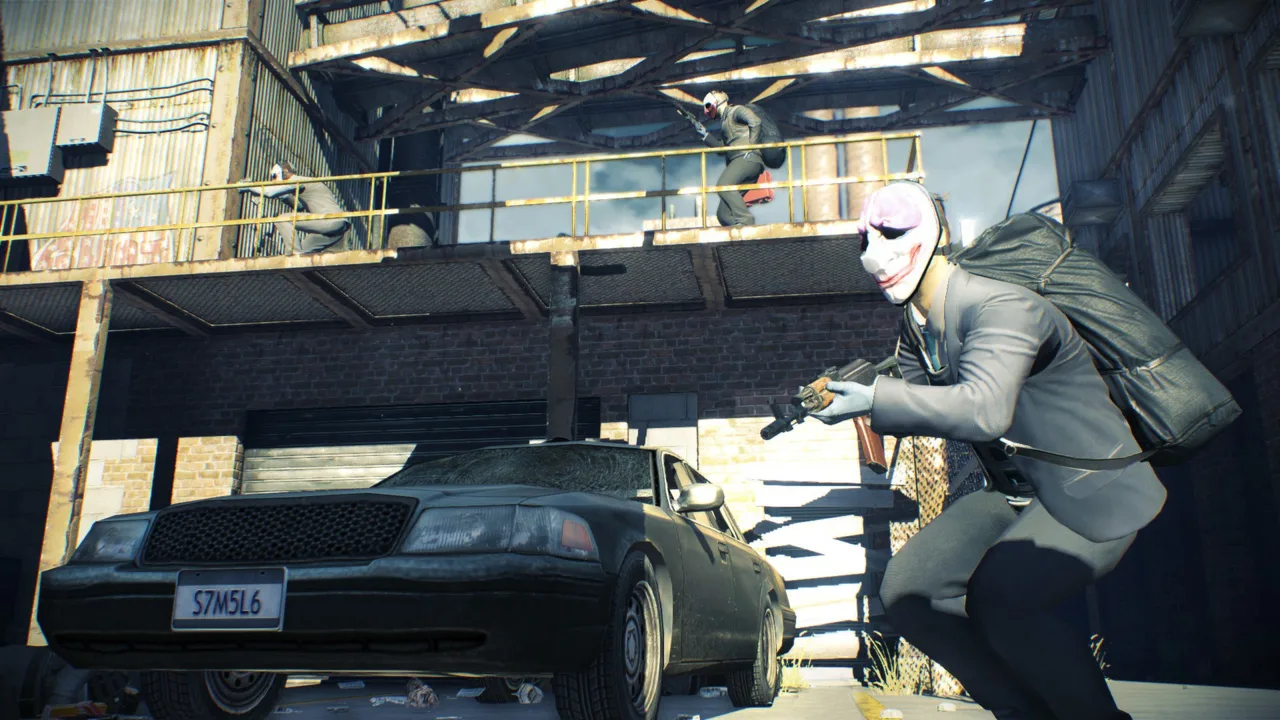
Bring a crew, pick a contract, and plan how you’ll get the loot out. The PAYDAY 2 Steam version supports cooperative heists for up to four players, alongside single-player jobs and extensive weapon and character customization. Before installing, check the current requirements: the Windows build now uses 64-bit architecture and DirectX 11.
Originally released on August 13, 2013, this co-op shooter revolves around choosing contracts through CRIMENET, assembling your loadout, and completing criminal jobs. Contracts range from smaller robberies to major bank vault hits, with randomized elements that change how familiar locations play out.
You can get PAYDAY 2 on Steam, where you can also review the purchase options. Compare the contents of individual packages before buying additional content.
PC Requirements: Check the Current Build
Update 247 replaced the Windows game’s 32-bit architecture with 64-bit support and moved rendering from Direct3D 9 to Direct3D 11. Use the requirements below when checking an older PC.
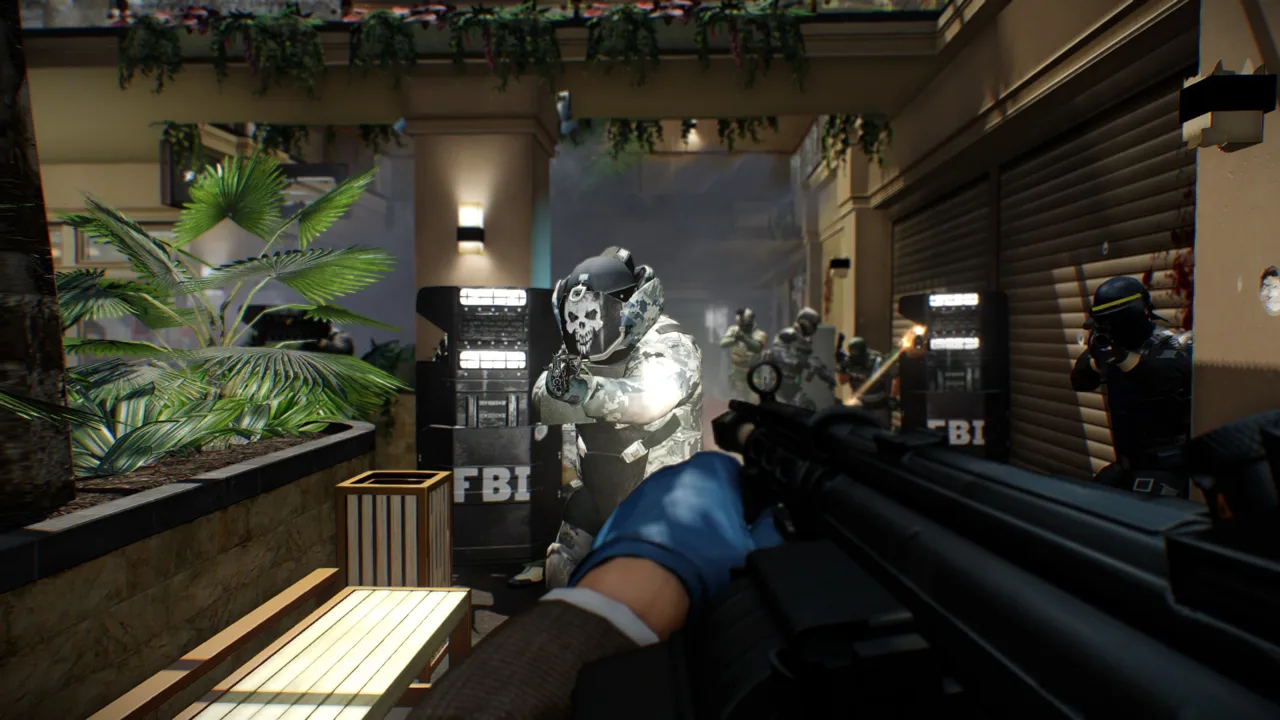 Image: Steam / OVERKILL - a Starbreeze Studio.
| Component | Minimum | Recommended |
|---|---|---|
| Operating system | Windows 10, 64-bit | Windows 11, 64-bit |
| Processor | 2 GHz Intel Dual Core 64-bit Processor | 2.3 GHz Intel Quad Core 64-bit Processor |
| Memory | 4 GB RAM | 8 GB RAM |
| Graphics | NVIDIA & AMD, 1GB VRAM | NVIDIA & AMD, 2GB VRAM |
| DirectX | Version 11 | Version 11 |
| Available storage | 32 GB | 32 GB |
The minimum requirements also specify a CPU with SSE4.1 instruction support. Check that detail when assessing older processors; clock speed alone does not cover every requirement.
Allow room for update downloads, too. Update 249 had a 15GB download because of a build-system issue. That download size is separate from the 32 GB available-storage requirement.
Steam Features, Linux Support, and VR
The Steam version includes several features beyond online matchmaking:
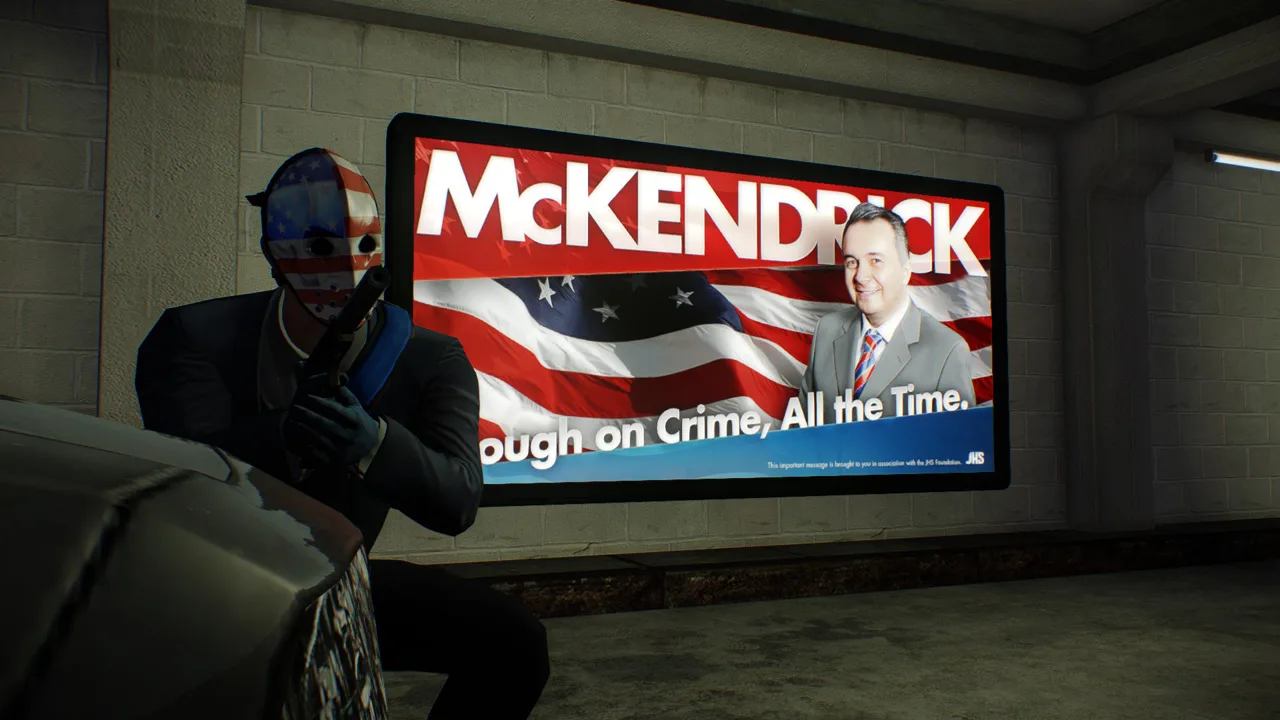 Image: Steam / OVERKILL - a Starbreeze Studio.
- Single-player and online co-op, with up to four players cooperating on heists.
- Full controller support, including DualShock controller support.
- 1,342 Steam achievements, plus Steam Trading Cards.
- Steam Cloud and Family Sharing.
- Remote Play on phone, tablet, and TV.
- VR support, including tracked controllers.
Remote Play lets you stream the game to supported devices; it does not turn the Windows release into a native mobile game.
Linux Uses Proton
The old native Linux branch has been retired, and Linux players need to use Steam’s Proton features for the current version. Windows is the currently supported native PC platform; macOS is not supported.
If you are returning from the retired Linux branch, follow the developer’s save-migration instructions before switching to the Proton version.
VR Requires the Free DLC
Playing in VR requires installing the free VR DLC and using SteamVR. Standing and room-scale play are supported.
Install that DLC before setting up a VR session. The standard game installation alone does not complete the VR setup.
Heists, Co-op, and Character Customization
CRIMENET is where you choose jobs, with contacts offering contracts that vary in scope and objectives. Coordinate your intended approach before starting: stealth and loud play create different demands on your crew.
 Image: Steam / OVERKILL - a Starbreeze Studio.
The five skill trees are Mastermind, Enforcer, Ghost, Technician, and Fugitive. You can combine skills across these trees as you progress, rather than committing every investment to a single category.
Discuss equipment and skills with your teammates before a job. Since crew composition matters, use those conversations to cover different needs instead of choosing everyone’s loadout independently.
Weapons also support substantial customization. Depending on the weapon, modifications include optics, suppressors, grips, barrels, frames, and stocks, and attachments can change performance. Review those effects when building a loadout for your chosen approach.
Masks offer a separate outlet for customization through patterns and colors. Keep the cosmetic choices personal while coordinating the parts of your setup that affect the heist.
Update 249: In-Game Mods and Practical Fixes
The November 18, 2026 Update 249 added an in-game ModWorkshop menu. Its initial scope covers mod_override content, including texture and model replacements.
You can search the browser, browse categories and tags, and install supported mods directly from the menu. Keep that scope in mind when choosing downloads: the browser’s initial release focuses on override mods.
The update also introduced several useful changes:
- Safe Mode: A crash-handler button starts the game without loading mods. The
--safemodelaunch argument does the same. - Brightness controls: The slider now works across DirectX 11 display settings and displays numerical values.
- Display mode: Borderless Windowed became the default.
- Interface corrections: Several Perk Deck descriptions received corrected statistics.
- Stability fixes: Changes addressed font-related crashes, a crash when joining during an enemy’s on-fire animation, and a Dire Need memory leak.
Other fixes adjusted enemy behavior, including snipers and harasser enemies tracking targets through walls. Weapons fired by Team AI also received a fix so their shots draw enemy attention.
Graphics Options and Frame Rate Tips
The PC version supports 4K, ultrawide resolutions, adjustable field of view, and both windowed and borderless modes. On ultrawide displays, cutscenes and the HUD remain pillarboxed to 16:9.
Graphics options include anisotropic filtering up to 16 samples and anti-aliasing choices of Off, FXAA, and SMAA. HDR is not supported.
The frame-rate limiter offers multiple settings, including 60, 120, 144, 165, and 240 FPS, plus Unlimited. Even with Unlimited selected, the game has a 300 FPS cap.
Lower the cap if movement catches on stairs or sidewalk transitions at very high frame rates. Collision behavior becomes more exaggerated at those rates, so a higher number can introduce movement problems.
If fullscreen runs at 60 Hz on a higher-refresh display, try Borderless Windowed. Use the brightness slider’s numerical values when comparing display adjustments so you can return to a previous setting easily.
Troubleshooting Crashes and Lobby Disconnects
Start mod-related crash troubleshooting with Safe Mode. Use the crash handler’s button or add --safemode to the game’s Steam launch options to start without loading mods.
Updates can make installed mods incompatible, including mods that appear unrelated to the problem. Remove installed mods and retry if problems persist.
For an unmodded installation, use Steam’s file integrity check:
- Find the game in your Steam Library.
- Right-click it and open Properties.
- Run Verify Integrity of Game Files from the game-file options.
- Let verification finish before trying again.
Keep lobby disconnects separate from local crash troubleshooting. In Update 249, the developers identified the cause of frequent online-lobby disconnects and were awaiting an SDK update intended to resolve it. Update 249 itself did not deliver that fix.
Continue with
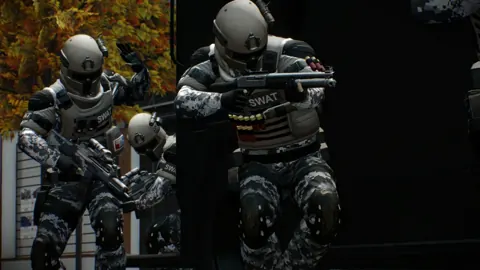 PAYDAY 2 VR: Setup, PC Requirements, and Crash FixesPlay PAYDAY 2 VR with the free DLC and SteamVR. Learn how to get started, check PC requirements, and troubleshoot crashes before a heist with friends.
Continue exploring
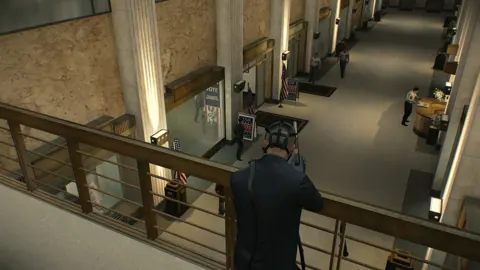
PAYDAY 2 Achievements: Unlock Tips and Tracking Fixes
Tackle PAYDAY 2 achievements with tips for Celsius or Fahrenheit, the BFD Junior reward, co-op unlock fixes, and troubleshooting for stalled kill counters.
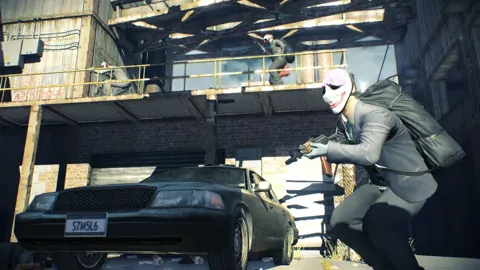
PAYDAY 2 Under The Hammer: Heist, Loot, and Patch Guide
Explore PAYDAY 2 Under the Hammer with stealth and loud tips, DLC rewards, achievement fixes, and the performance changes that matter before your next run.
Join the community
Official channels for news, updates and player help: