
PAYDAY 2 Bank Heist Guide: Stealth, Gear, and Escapes
Plan your PAYDAY 2 bank heist with useful stealth tips, pager rules, civilian control, and loadout advice, plus a look at other bank jobs to tackle next.
Jump to
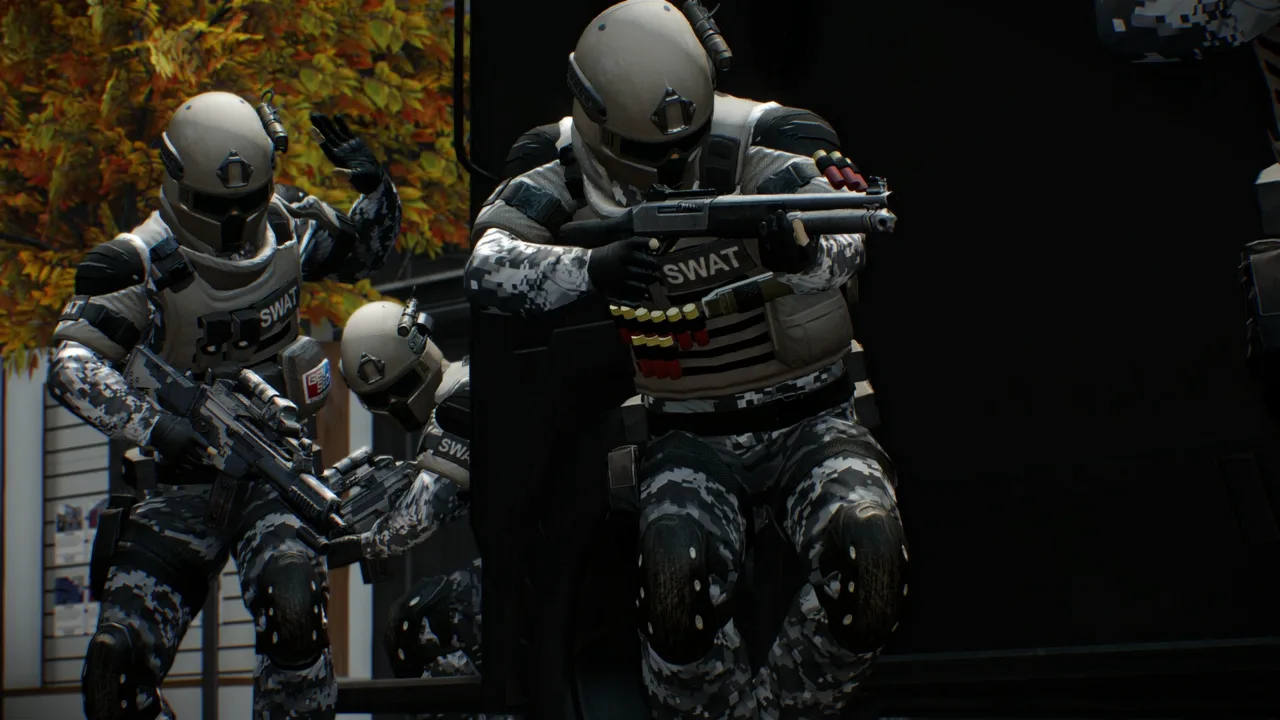
How to Complete Bank Heist in Stealth
One civilian reaching a panic button can wreck your quiet robbery. A successful PAYDAY 2 bank heist depends on controlling guards, cameras, and witnesses long enough to open the vault and move your loot. Prepare for that takeover before you start drilling.
The classic Bank Heist uses crowd-control stealth: keeping the alarm quiet involves restraining civilians and stopping calls for help. Sneaking past a guard is only part of the job. Once you expose the robbery, everyone who can raise the alarm becomes your responsibility.
Scout Before Committing
Watch guard patrols, camera coverage, and civilian movement before putting your plan into motion. Locate the security room and pay attention to witnesses outside the bank, too.
Plan around the current layout rather than repeating your previous route automatically. The game uses randomized elements across its heists, so observation matters even when the building feels familiar.
Disable Camera Surveillance
Bank Heist has a camera operator. Taking out that guard and answering the pager disables camera surveillance, letting you concentrate on patrols and civilians.
Handle the operator when you can finish the interaction safely. A camera problem becomes a pager problem the moment you take the guard down.
Respect the Pager Limit
You can successfully answer four guard pagers across the entire crew. That allowance is shared; bringing more players does not increase it.
Keep these rules in mind:
- Finish every pager interaction you start.
- Answer a downed guard’s pager before it times out.
- Count the crew’s completed pagers together.
- Avoid unnecessary guard takedowns that consume your remaining allowance.
Keep bodies within reach until their pagers are handled. A suppressed shotgun can launch a defeated guard away from you, which creates trouble if you can no longer reach the pager.
Control Civilians and Panic Buttons
Shout civilians down and tie them when you can. Coordinate the takeover so that someone handles witnesses while another player deals with an immediate security threat.
ECMs do not stop civilians from activating the bank’s panic buttons. Control anyone who can reach those buttons instead of relying on electronic jamming to cover the lobby.
Avoid killing civilians. Use restraints and intimidation to manage them, and keep watching for people who have escaped your attention.
Open the Vault and Move the Loot
Once surveillance, guards, and civilians are under control, work on the vault. Drill skills can reduce drilling time and noise, but the equipment does not replace crowd control.
Keep monitoring the bank while the drill runs. Before carrying bags outside, check the route for witnesses. Guards can notice loot bags and body bags, so avoid leaving either exposed along a patrol route.
Official page: PAYDAY 2 (paydaythegame.com)
Prepare Your Crew and Stealth Loadout
Choose your approach before selecting equipment. A dedicated stealth setup prioritizes concealment, movement, and utility; a loud setup needs equipment suited to sustained combat.
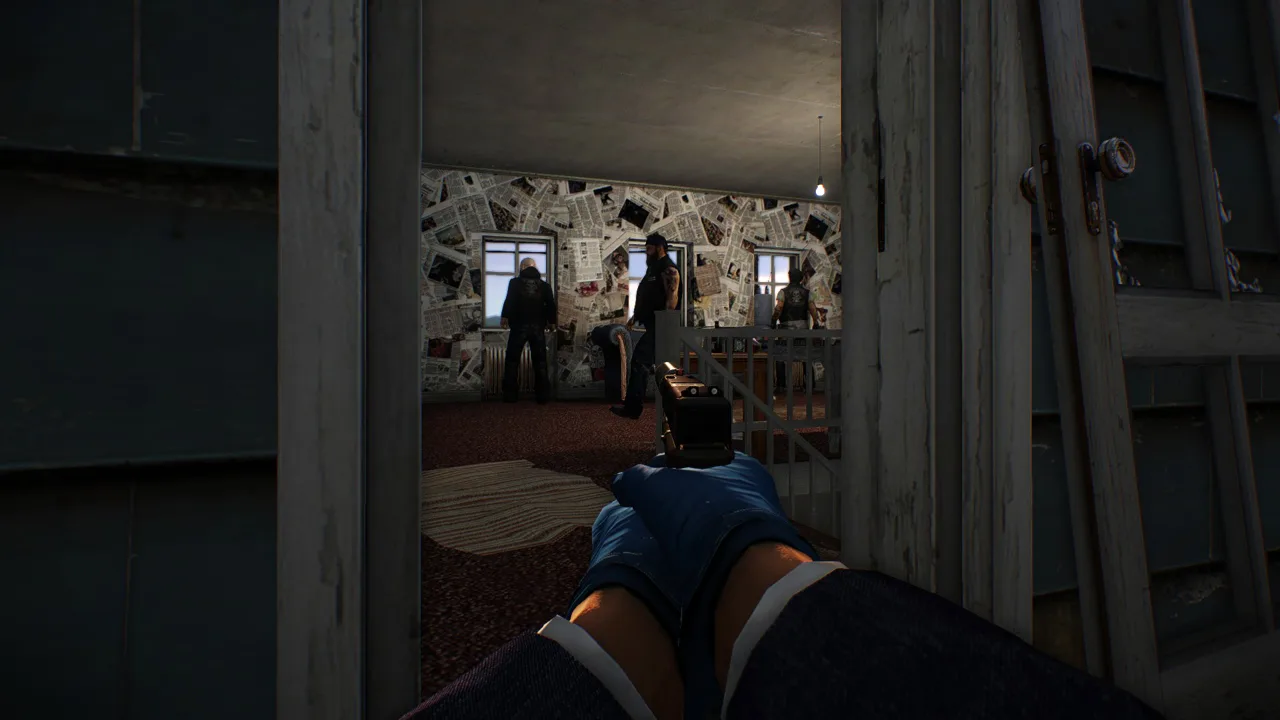 Image: Steam / OVERKILL - a Starbreeze Studio.
The basic party options are straightforward:
- Crew size: Up to four players can cooperate on a heist.
- Solo play: Single-player is supported.
With friends, assign responsibility for cameras, pagers, and civilians before masking up. Solo, take the scouting phase slowly so you understand which threats you will need to manage yourself.
Keep Detection Risk Low
Wear the two-piece suit and choose weapons with high concealment. Suppressors reduce firing noise, but attachment choices also affect concealment and weapon performance.
A detection risk of three is achievable with an appropriate stealth loadout. Check the completed build rather than assuming a suppressed weapon automatically gives you the concealment you want.
Bring a quiet throwable if you want a backup attack. Explosive equipment can alert the map, and even a silent projectile can create noise if it breaks a window.
Invest in Useful Interactions
The Shinobi branch provides stealth-focused skills. Movement skills such as Duck and Cover and Parkour help with repositioning, while Forced Friendship supports faster civilian restraint.
Burglar speeds up body bagging, lockpicking, and pager answering. Use those benefits to shorten exposed interactions, while still checking that the surrounding area is clear.
Add drill skills when you have room in the build. Faster, quieter drilling is useful after you have secured the bank.
Use ECMs and Body Bags Carefully
ECMs provide temporary breathing room by jamming phone calls. With ECM Specialist aced, they also delay pagers. They remain a temporary tool: finish controlling the situation before the jamming ends.
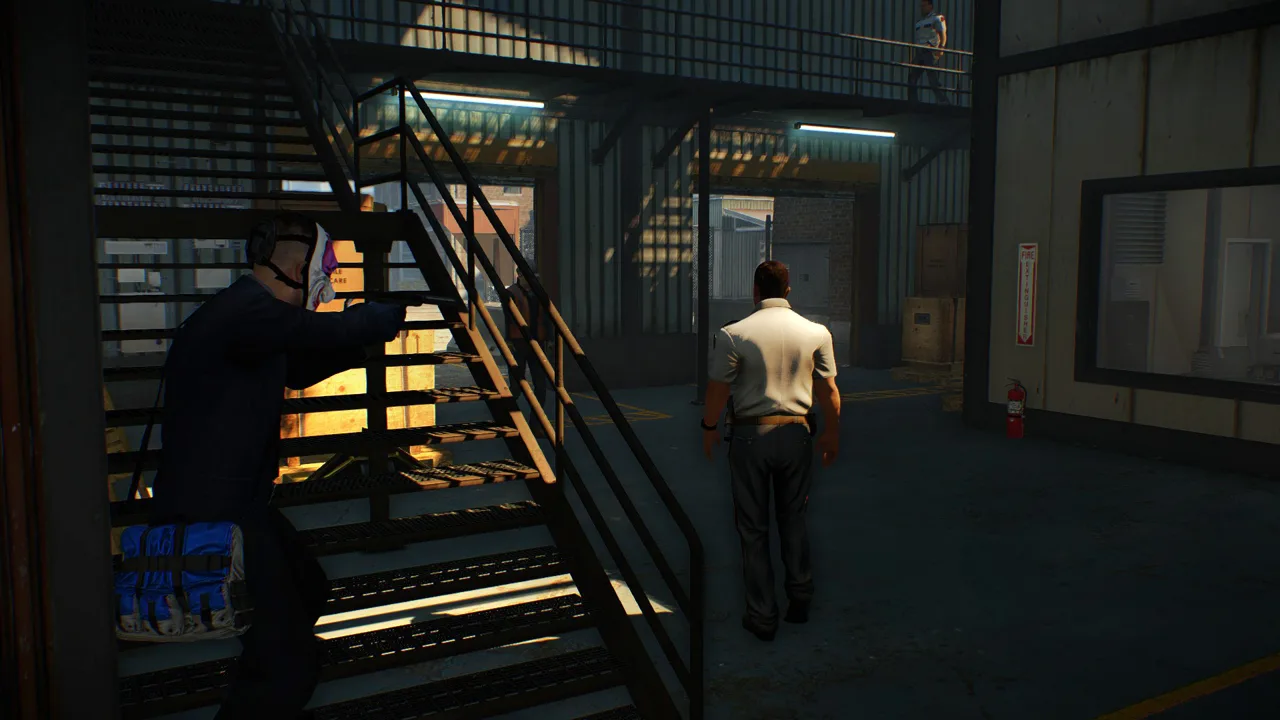 Image: Steam / OVERKILL - a Starbreeze Studio.
For Bank Heist, keep the panic-button exception front and center. An active ECM does not make an uncontrolled civilian harmless.
Choose deployables around the task you need to cover:
- ECMs: Interrupt calls and, with the appropriate skill, delay pagers.
- Body bags: Move bodies out of sight after handling their pagers.
- Trip mines in sensor mode: Mark passing guards to help track patrols.
Cleaner basic lets you carry three body bags. Where a body-bag asset is available, consider buying it so your deployable slot can cover another need.
Hide evidence deliberately. Guards notice body bags and loot bags even though they do not react to placed deployables in the same way.
Decide What Happens if the Alarm Sounds
Agree on whether the crew will restart or continue before beginning a stealth attempt. That decision affects the loadout everyone should bring.
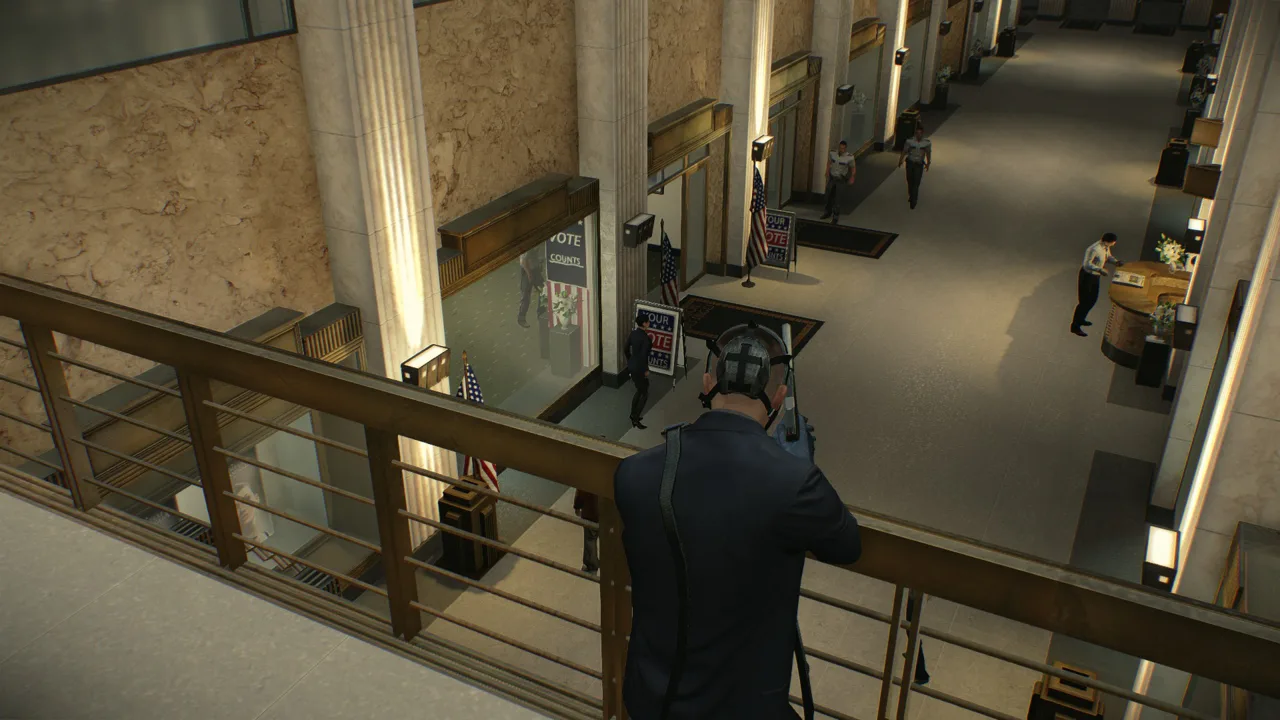 Image: Steam / OVERKILL - a Starbreeze Studio.
A dedicated stealth build spends resources on concealment and utility. Continuing into a firefight with that setup demands a different kind of preparation than restarting and trying the takeover again.
If you intend to play loud, select your combat equipment from the start. Weapon modifications affect performance, and the skill trees let the crew combine different capabilities. Coordinate those choices so the team brings useful equipment for the approach you actually plan to play.
Other Bank Jobs to Try
GO Bank, First World Bank, and The Big Bank are separate contracts. Their layouts and objectives change the robbery substantially, even though all support stealth and loud approaches.
| Heist | Setting and objectives | Distinctive pressure |
|---|---|---|
| GO Bank | A small bank with deposit boxes and vault access involving keycards or drilling | Open exterior areas expose you to snipers; the escape can involve a van or sewers |
| First World Bank | A larger bank robbery returning from the original game | The loud escape uses C4 to open a route through a neighboring building |
| The Big Bank | A high-tech bank robbery involving computers and a large vault operation | Supports a full stealth approach alongside its loud route |
On GO Bank, watch the open ground outside rather than assuming the compact interior makes the whole contract easy to manage.
For First World Bank, prepare for the approach you choose. Stealth allows a quiet departure, while loud play brings rooftop attackers, snipers across from the bank, and an escape through the neighboring building.
When moving to The Big Bank, give yourself time to learn its computer objectives. Treat its technology and larger operation as a new contract to understand, rather than carrying over the classic bank’s takeover plan unchanged.
Continue with
 PAYDAY 2 Heists: A Guide to Stealth, Loud Jobs & LootExplore PAYDAY 2 heists with stealth and loud mission picks, Big Oil engine clues, and tips for running bank jobs, hospital raids, and multi-day contracts.
More in Heists
See all Heists
Continue exploring

PAYDAY 2 Player Count: How Active Is It in Late 2026?
Explore the PAYDAY 2 player count, what Steam's 10,441 concurrent players mean for finding a crew, and how recent updates affect your next heist in 2026.
PAYDAY 2 Best Stoic Build: ICTV Skills and DSOD Guide
Master the PAYDAY 2 best stoic build with ICTV armor, a KSP LMG, and first aid kits. Learn the skills and flask timing to survive Death Sentence One Down.
Join the community
Official channels for news, updates and player help: